Wedding Demo
Best for couples who need RSVP, guest uploads, table QR posters, and a thank-you card after the celebration.
Mnemopix helps hosts collect RSVP confirmations, photos, guestbook messages, votes, and memories through a QR code and PIN. Through August 31, 2026, hosts can activate the Free Event Kit instantly with a verified Google account—no manual registration approval required.
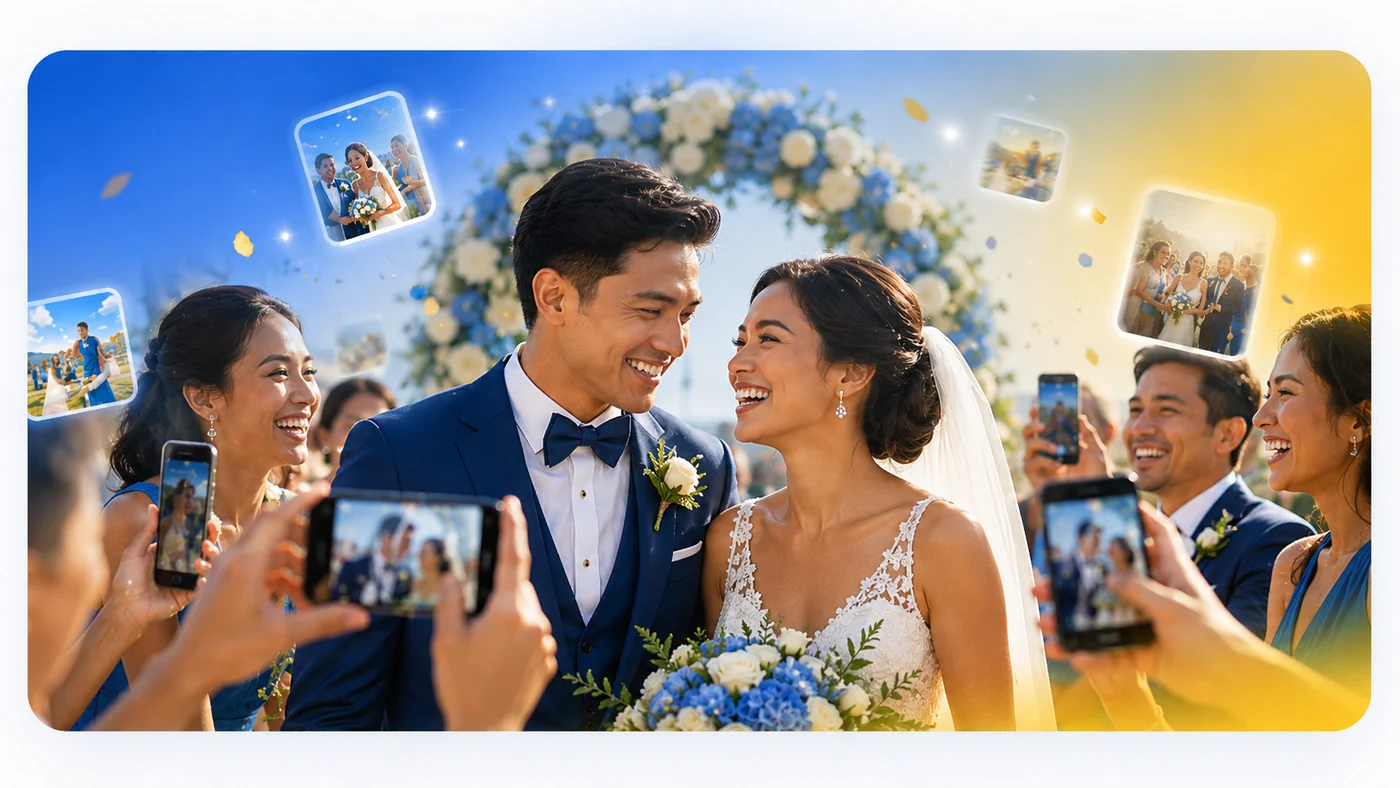
Sign in with a verified Google account and immediately create your free private gallery. The limited offer is available through August 31, 2026.
These demo request links help you sell by event type: wedding, birthday, company, and RSVP-focused events.
Best for couples who need RSVP, guest uploads, table QR posters, and a thank-you card after the celebration.
Best for family birthdays, children’s parties, and photo voting moments guests will enjoy.
Best for company parties, trainings, product launches, exhibitions, and internal events.
Best for hosts who want confirmation, guest count, check-in, and controlled album access.
Guests get an easy RSVP and upload flow. Organizers get the controls needed for paid events, confirmed guest lists, and private galleries.
Guests scan a QR code, enter the PIN, and join the gallery without confusion.
Collect Attending, Not Attending, or Maybe responses before the event, with optional email, mobile number, meal preference, and host message fields.
Photos and videos are saved through protected cloud storage, with event settings managed securely in the app.
Guests can join with their name only, while the app creates a secure private session behind the scenes.
Let guests like photos and create a fun leaderboard of the most loved memories.
Collect wishes, greetings, and short messages beside the photos.
Admins can protect original files by allowing downloads only for admin and super admin roles.
Admins can use RSVP records as a guest list, search attendees, mark check-ins, and export RSVP details to CSV.
Combine top photos, guestbook highlights, RSVP totals, check-in counts, and feedback ratings into one shareable event memory view.
Show approved photos on a projector or TV with event branding, upload QR code, fullscreen mode, and live gallery refresh.
Guests can download or print a confirmation card with their event details and check-in QR code.
Collect post-event ratings and comments so hosts can review what guests enjoyed and what can be improved.
Mnemopix now supports RSVP links and QR codes, so organizers can confirm guests first and guide attending guests to the same event photo album after submission.
Hosts can enable RSVP per event, set a deadline and guest limit, collect meal preferences and messages, then use the confirmed list for check-in during the event.
Mnemopix RSVP Flow

Admin enables RSVP → sets deadline and guest limit
Guest opens RSVP link → submits confirmation
Confirmed guest → continues to event photo album
Event day → admin searches and marks checked in

RSVP records → private guest list
Photo album → same event gallery
Admin dashboard → export, print, check-in
The flow is simple enough for guests and controlled enough for organizers: confirm attendance, share access, then collect event memories.

Admin sets the event name, welcome message, PIN, and access settings.
Each dashboard category now opens its own photo set. Visitors can let the gallery play automatically or browse the images manually.
Wedding guests can share candid moments from the ceremony, reception, and celebration.
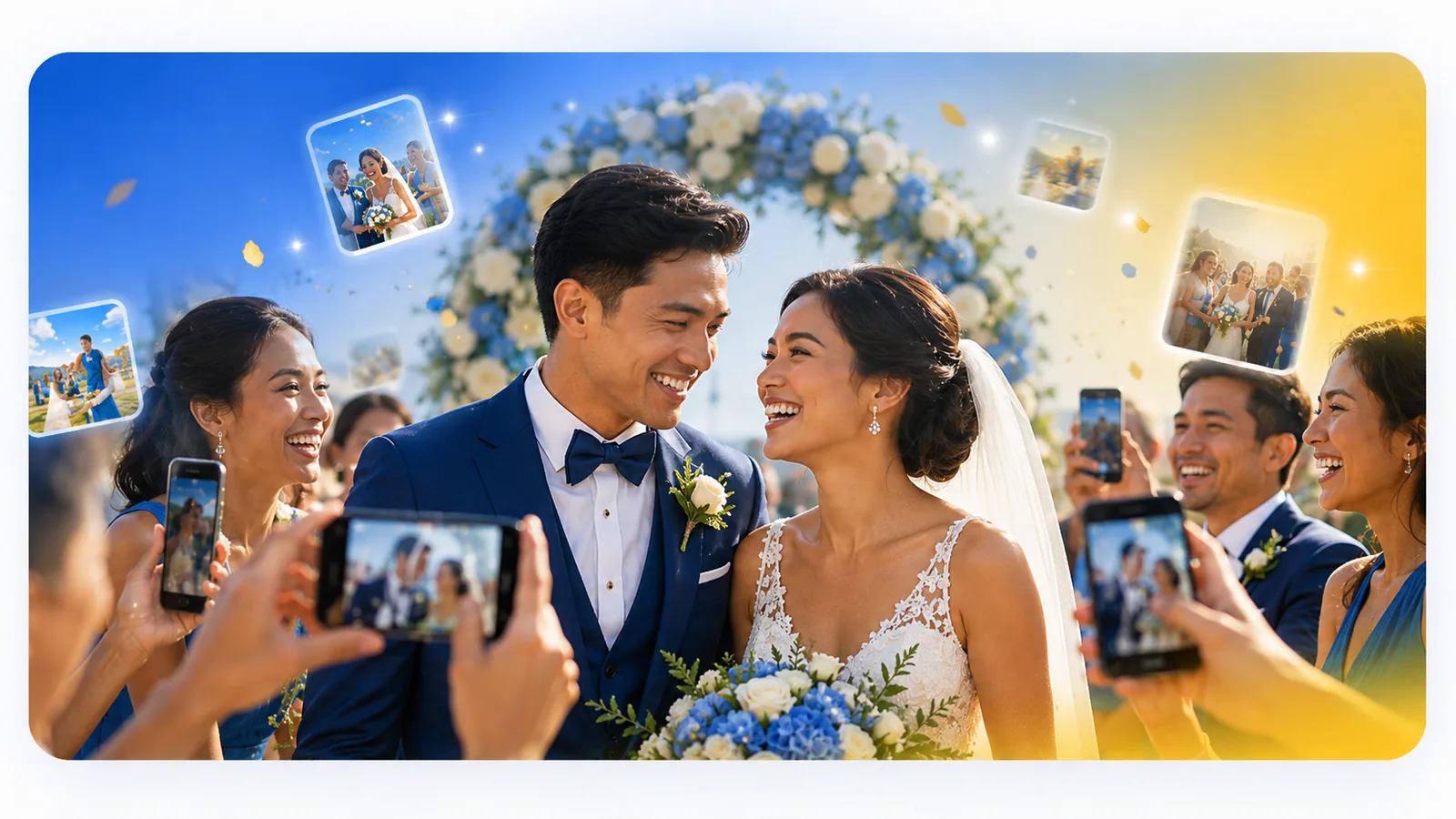
Mnemopix keeps the public message simple: guests can upload easily, while your app quietly handles storage, access, roles, and controls.
For paid customers, storage and limits must be enforceable by rules—not only by hidden buttons. This page positions the app as cloud-backed and admin-controlled.
Mnemopix Protected Flow

Guest confirms RSVP → continues to event album
Guest scans QR → enters event PIN
Secure Access → signed-in or guest session
Control layer → checks event status, plan, role, limits
Protected storage → stores approved media
Admin dashboard → manages gallery, approvals, downloads

Media files → protected album area
Event settings → private control layer
Role access → approved users and guest sessions
The landing page explains the stricter policy: guests upload and view; downloads stay limited to admin and super admin.
Mnemopix supports a cleaner event workflow: guests upload and view, moderators assist, and admins control sensitive actions.
| Action | Guest | Moderator | Admin | Super Admin |
|---|---|---|---|---|
| View gallery | Yes | Yes | Yes | Yes |
| Upload photos | Yes | Yes | Yes | Yes |
| Submit RSVP | Yes | Yes | Yes | Yes |
| Approve photos | No | Yes | Yes | Yes |
| Download originals | No | No | Yes | Yes |
| Manage users/plans | No | No | No | Yes |
Clear per-event pricing with an opening promo for new customers, plus a Google-activated Free Event Kit available through August 31, 2026.
Request a free starter kit using a verified email address. It includes 1 event, up to 20 photo uploads, RSVP mini page, guestbook, Top 10 voting, QR poster, thank-you card, and 7-day trial storage.
For small birthdays, family gatherings, and test events.
For weddings, company parties, and event organizers.
For companies, schools, venues, and frequent events.
For larger events, agencies, venues, and special storage or branding requirements.
Estimate your expected guests, uploads, RSVP needs, and number of events. The page will suggest a plan.
Selected events: 1
Recommended plan: Event Pro
Plan event limit: 1 event
“We did not need to chase everyone for photos after the event.”
“The QR code made it easy for guests to upload right away.”
“The RSVP link helped us confirm guests before opening the album.”
“Admin download control gives us confidence for private events.”
Use this secure event landing page to introduce your RSVP-ready photo-sharing service, collect inquiries, and send visitors directly to your app.
Fill in the details, including a verified email address. This form opens your email app with a ready-made inquiry.